
How to Create WhatsApp Channel: A Step-by-Step Guide for Businesses

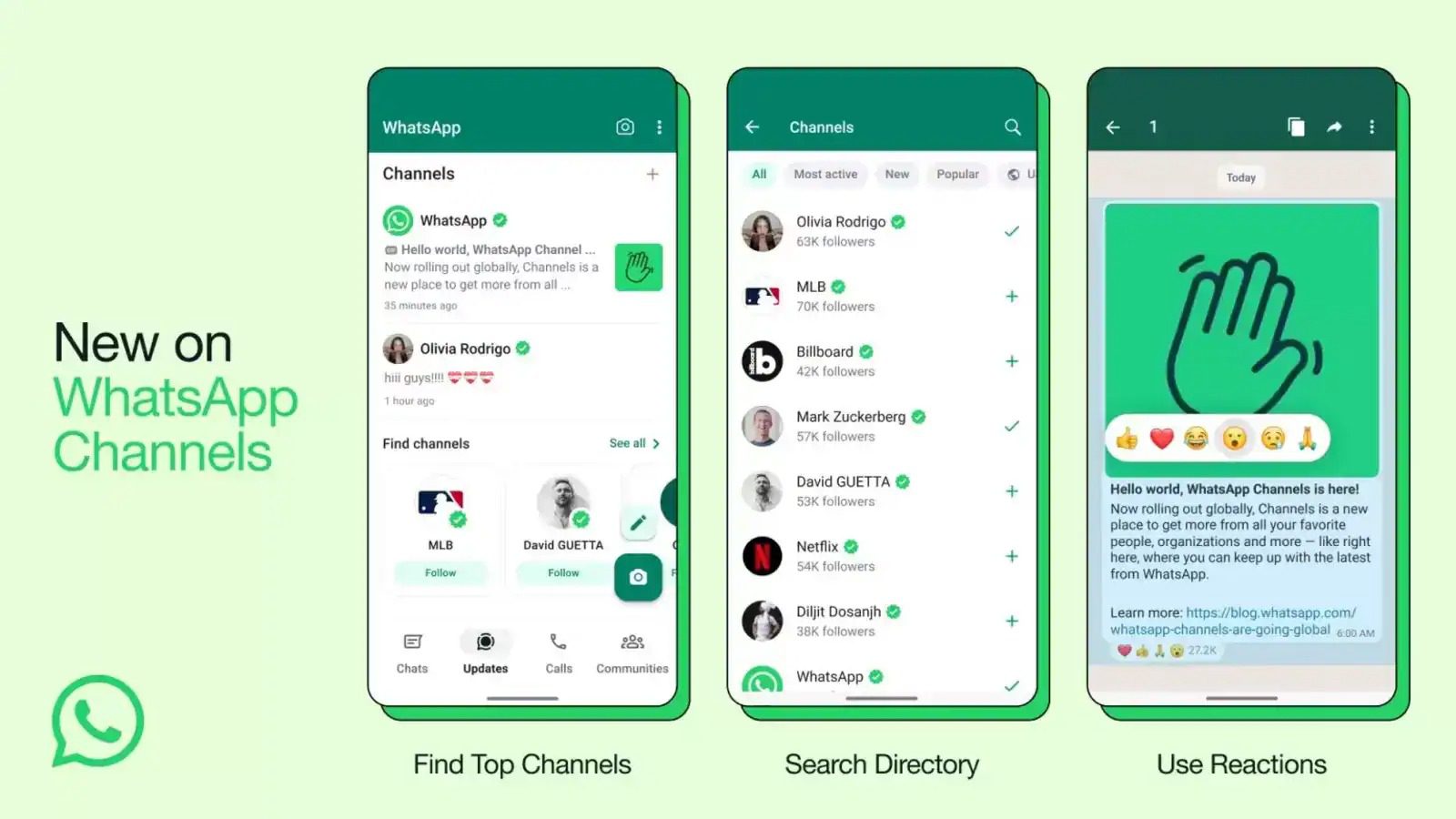
Step 1: Verify Your WhatsApp Business Account
To get started with WhatsApp channels, it’s essential to verify your WhatsApp Business account. This verification process adds credibility to your business and unlocks the ability to create channels.
Step 2: Prepare Your Business Profile
Your business profile is your digital storefront. Ensure it’s complete and professional, including your business name, logo, a concise description, and accurate contact information. This step is vital as it represents your brand to potential customers.
Step 3: Activating WhatsApp Channels
- Open WhatsApp Business: Launch the WhatsApp Business app on your mobile device.
- Access Settings: Tap the three dots in the top-right corner to access the settings menu.
- Business Tools: Select “Business tools” from the settings menu.
- Activate Channels: Find and tap on “Channels” to activate this feature. Make sure to agree to WhatsApp’s terms and conditions.
- Configuration: Follow the on-screen instructions to configure your channels. Set a channel name, description, and add agents who will manage the channel.
- Category Selection: Choose the categories that best describe your business, which helps customers find you more easily.
- Confirmation: WhatsApp will review your channel request, and this process may take some time. Patience is key during this stage.
- Approval: Once WhatsApp approves your channel, you’ll receive a confirmation message, and your channels will be activated.
Step 4: Start Engaging
With your WhatsApp channels activated, you can begin connecting with customers, sharing updates, and providing support via WhatsApp. Channels allow you to have multiple one-on-one conversations simultaneously, making it a valuable tool for customer service and marketing.
In conclusion, creating a WhatsApp channel is a strategic move for businesses looking to enhance customer communication. Follow these steps for a smooth activation process, and leverage channels to grow your business while maintaining a personal touch with your customers. By implementing these strategies, you can effectively create a WhatsApp channel for your business, improving your outreach and customer engagement.


